- Icon Monks
- Design icons
- Layers Selected
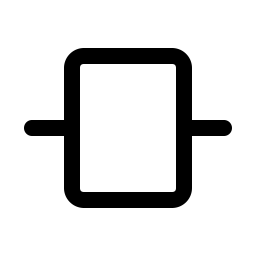
Layers Selected icon
A free layers selected icon from the Design set, useful for selected layer, stack, layers, active. It comes in six weights and is free for personal and commercial use under the MIT license.






Open in the icon browserCustomize size and color, then download PNG, WebP or PDF.
Use the layers selected icon in your code
React
import { LayersSelected } from '@icon-monks/react';

<LayersSelected size={24} />
Vue
<script setup>
import { LayersSelected } from '@icon-monks/vue';
</script>

<LayersSelected :size="24" />
Web component
<icon-monks name="layers-selected" size="24"></icon-monks>Icon font
<i class="im im-layers-selected"></i>Flutter
Icon(IconMonks.layersSelected)SwiftUI
Image(iconMonks: .layersSelected)Compose
Icon(IconMonks.Regular.LayersSelected, contentDescription = null)Need setup steps? See the getting started guide or the page for React, Flutter, SwiftUI or Jetpack Compose.